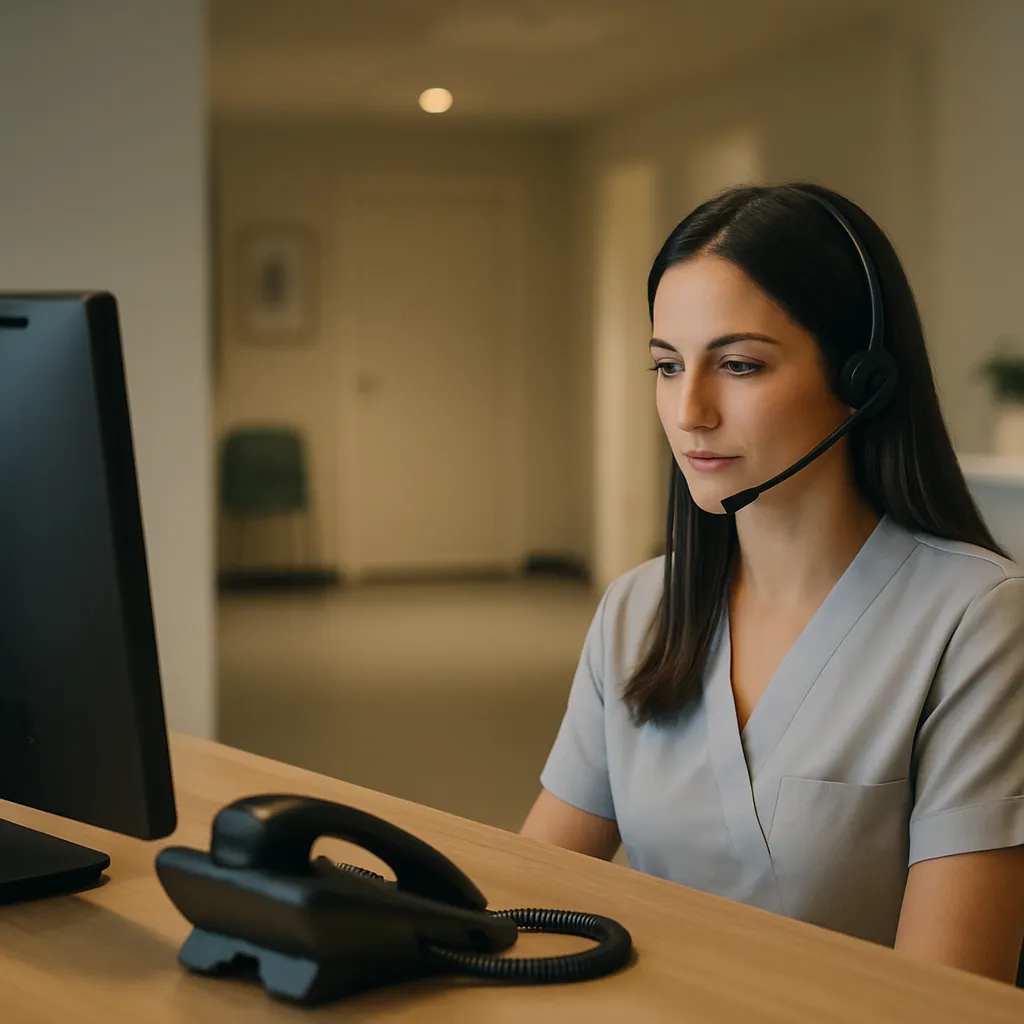
It’s 7:42 p.m. on a Tuesday. A mom notices a rash spreading on her daughter’s arm and calls the pediatric office she picked last month. She gets a voicemail that says "leave a message and we’ll call you back tomorrow." She hangs up, googles urgent care, and never calls your office again.
That single lost call is why after-hours voice AI has moved from novelty to serious operational tool. The question isn’t whether patients are calling when your office is closed, because they are. The question is what happens when they do.
What is after-hours voice AI, really?
After-hours voice AI is a phone system that answers calls in a natural voice when your front desk is closed. It can greet the caller, ask why they’re calling, book appointments on your schedule, send confirmation texts, route true emergencies to your on-call provider, and log everything for the morning team.
It isn’t a chatbot bolted onto a phone tree. Modern after-hours voice AI understands full sentences, handles interruptions, and speaks in a calm, human way. Good systems sound like a competent receptionist who happens to be available at 10 p.m.
The tech has matured fast. What sounded robotic in 2023 sounds surprisingly natural in 2026. That said, quality varies wildly between vendors, and the wrong setup can hurt your practice more than a plain voicemail would.
Why after-hours calls matter more than most owners think
Most practice owners underestimate the volume. Depending on specialty, somewhere between 20 and 40 percent of new patient calls happen outside standard 9 to 5 hours. Prospective patients research at lunch, during their commute, or after the kids go to bed. That’s when they pick up the phone.
Existing patients call after hours too. They want to reschedule, ask about a medication, confirm tomorrow’s appointment, or check whether their symptoms need urgent attention. If they hit voicemail and don’t hear back for 14 hours, trust erodes.
We wrote a full breakdown of this problem in why your front desk voicemail is costing you patients, and the pattern is consistent across specialties. After-hours voice AI is one of the few tools that directly plugs that leak without adding payroll.
What after-hours voice AI handles well
Not every call needs a human. In fact, most after-hours calls follow predictable patterns, and that’s exactly where AI shines.
Appointment booking is the biggest win. A new patient can call at 9 p.m., describe what they need, hear real availability, and book a slot that syncs into your EMR. No morning callback tag, no lost lead. For practices already thinking about same-day appointments to win more patients, pairing that offer with after-hours voice AI is a force multiplier.
Prescription refill requests, appointment confirmations, directions, insurance questions, and new-patient intake all fit neatly into what after-hours voice AI can do without breaking a sweat. It can also send a follow-up text with a booking link, your address, or paperwork so nothing falls through the cracks by morning.
Triage routing is another strong use. When a caller says something like "chest pain" or "my baby has a fever of 104," the system can immediately escalate to the on-call provider or a live answering service. That decision tree needs to be built carefully, but when it’s right, it’s fast and reliable.
Where after-hours voice AI still struggles
Let’s be honest about the weak spots. Complex clinical questions, emotionally charged calls, and unusual situations still trip up even the best systems. A grieving family member calling about a recent loss doesn’t need a bot. A confused elderly patient trying to describe symptoms in fragments needs patience the AI may not have.
Insurance disputes and billing complaints are also poor fits. These calls tend to have context the AI doesn’t know, and they can escalate fast. A frustrated caller who gets an AI response often ends up angrier, not calmer.
Accents, background noise, and speakerphone use can degrade accuracy. A well-trained system handles most of this, but if your patient base skews heavily toward non-native English speakers or elderly callers on old landlines, you need to test carefully before going live. The system should always offer a clean handoff to a human option or a next-morning callback rather than pretend to understand.
Is after-hours voice AI HIPAA compliant?
This is the first question every practice owner should ask, and the answer is: it depends entirely on the vendor and how you configure it.
Any voice AI system that captures, transmits, or stores protected health information needs a signed Business Associate Agreement with your practice. If a vendor won’t sign a BAA, walk away. Full stop. This is general information, not legal advice, so run your specific setup by your compliance counsel, but the BAA question is non-negotiable.
Beyond the BAA, look at how call recordings are stored, who can access transcripts, whether data is used to train models, and how long recordings are retained. The U.S. Department of Health and Human Services publishes clear guidance on business associate obligations at HHS.gov, and it’s worth reading before you sign anything.
Also confirm that emergency triage language doesn’t create liability. If the AI tells a caller "that doesn’t sound urgent" and it turns out to be a heart attack, you have a problem. Well-designed after-hours voice AI never gives clinical advice. It routes, books, and confirms. That’s it.
How does after-hours voice AI compare to a live answering service?
Live answering services have been the default for decades. Real humans, available 24/7, screening calls and paging on-call staff. So why consider AI?
Cost is the obvious difference. Live services typically charge per call or per minute, and heavy call volume adds up fast. After-hours voice AI is usually a flat monthly fee regardless of volume. If your practice takes more than 30 or 40 after-hours calls a month, the math often favors AI.
Consistency is the second factor. A live agent at 2 a.m. might be tired, unfamiliar with your protocols, or new on the job. AI reads from the same script every time and never has a bad night. That predictability matters for legal exposure.
Speed matters too. AI answers on the first ring. Live services often have hold times, especially during peak periods. Patients who get a fast, capable answer are more likely to book.
That said, live services still win for warmth on hard calls and for practices with complex, judgment-heavy protocols. Many practices we work with end up using both, AI as the front line, live escalation for anything that needs a human. It’s a hybrid model, and it works.
When after-hours voice AI is the wrong choice
Not every practice should turn this on. A few situations where I’d hold off:
If your patient base skews heavily elderly or non-English-speaking and you haven’t tested extensively with those callers, the friction may outweigh the benefit. Older patients often hang up on anything that sounds automated, even if it’s high quality.
If you don’t have a real on-call structure for emergencies, AI can’t fix that. It can route, but if there’s no one on the other end, you’ve just added a step to a broken process.
If your EMR integration is messy, appointments booked by AI may not land where they should. Broken integrations create double-bookings and no-shows, which is worse than a voicemail. Fix the plumbing first.
And if you’re planning to use after-hours voice AI to avoid hiring, that’s usually a mistake. AI works best as an extension of a competent front desk, not a replacement for one. The best results come from practices that train the AI on the same protocols their top receptionist uses. We covered this in detail in how to train voice AI to sound like your best receptionist.
How to roll out after-hours voice AI without breaking things
Start narrow. Turn it on for after-hours only, not full-time. This lets you monitor transcripts, catch mistakes, and refine language before it touches your daytime patients. Most practices need two to four weeks of tuning before the AI truly sounds like their team.
Listen to every call for the first two weeks. Yes, every one. You’ll spot phrasing issues, missed intents, and edge cases your setup form didn’t cover. Fix them fast. After the first month, spot-check weekly.
Set up clean escalation paths. Chest pain, difficulty breathing, severe bleeding, mental health crises, and pediatric fevers over certain thresholds should all route immediately to your on-call line or 911 script. Write these paths with your medical director, not your marketing team.
Track the numbers that matter. Bookings captured after hours, escalations handled, hang-up rate, and morning callback volume. If morning callbacks drop and after-hours bookings rise, it’s working. If patients complain, dig in fast.
Also make sure your website supports what the AI promises. If the AI books a new patient consult, the intake forms and confirmation flow need to be smooth. Related: for a broader take on where practice websites go wrong, see 9 critical medical website mistakes that scare patients away.
What after-hours voice AI costs, roughly
Pricing varies a lot, but expect somewhere between $300 and $1,500 per month depending on volume, features, EMR integration depth, and specialty complexity. Custom voice cloning, multilingual support, and advanced analytics push toward the higher end.
Compare that against the lifetime value of the patients you’re currently losing to voicemail. One captured new patient per month at $2,000 to $5,000 in lifetime value pays for the tool many times over. That’s the math most practice owners eventually run, and it’s why after-hours voice AI has moved from experiment to standard.
The DoctorRadius take on after-hours voice AI
We build after-hours voice AI into our patient-communication stack because it fixes a real, measurable leak. But we’re careful about who we deploy it for and how. Because we cap ourselves at two practices per specialty, per area, we’re not trying to sell the same tool to every clinic on the block. When we roll after-hours voice AI into a practice, we tune it to that specific team’s voice, protocols, and patient base. Generic setups produce generic results.
If your front desk is losing calls at 6 p.m. and picking up voicemails at 8 a.m., after-hours voice AI probably belongs in your stack. If your setup is more complicated, or your patient mix has quirks, it’s worth a real conversation before you commit. Either way, ignoring the after-hours call gap in 2026 is a choice, and it’s usually the wrong one.
Yes, most quality systems integrate with major EMRs and PMS platforms to book real appointments in real time. Confirm your specific EMR is supported before signing, and test the booking flow end to end during setup.
A properly configured system detects emergency keywords and routes the caller immediately to your on-call provider, a live answering service, or a 911 instruction, depending on your protocol. Never let the AI give clinical advice or triage decisions on its own.
Best practice is to be transparent. Most systems introduce themselves as a virtual assistant for your practice. Patients generally accept this when the experience is smooth and they can reach a human if needed.
References
- U.S. Department of Health and Human Services, Sample Business Associate Agreement Provisions: https://www.hhs.gov/hipaa/for-professionals/covered-entities/sample-business-associate-agreement-provisions/index.html